Watching
Learning outcomes
- Understand why watching a repository is useful
- Be able to unwatch a repository
For teachers
Prior:
- Someone made a change to the repository and breaks the code. How do you find out?
Lesson plans:
gantt
  title Lesson plan pair programming 1
  dateFormat X
  axisFormat %s
  Introduction : intro, 0, 5s
  Theory 1: theory_1, after intro, 5s
  Exercise 1: crit, exercise_1, after theory_1, 15s
  Feedback 1: feedback_1, after exercise_1, 5s
  Theory 2: theory_2, after feedback_1, 5s
  Exercise 2: crit, exercise_2, after theory_2, 10s
  Exercise 2 after the break: crit, after exercise_2, 5s
What is watching?
Being informed when an event happens on your repository, such as you getting mentioned.
Why is watching useful?
When you want to be informed.
Introduction
At the start of the course, you'll be added to the learners' project. By default, it is assumed you want to be informed on any event.
You can see this at the repository: at the top-right, there is a button with an eye and the text 'Unwatch'. This means you are watching all activity of the repository.
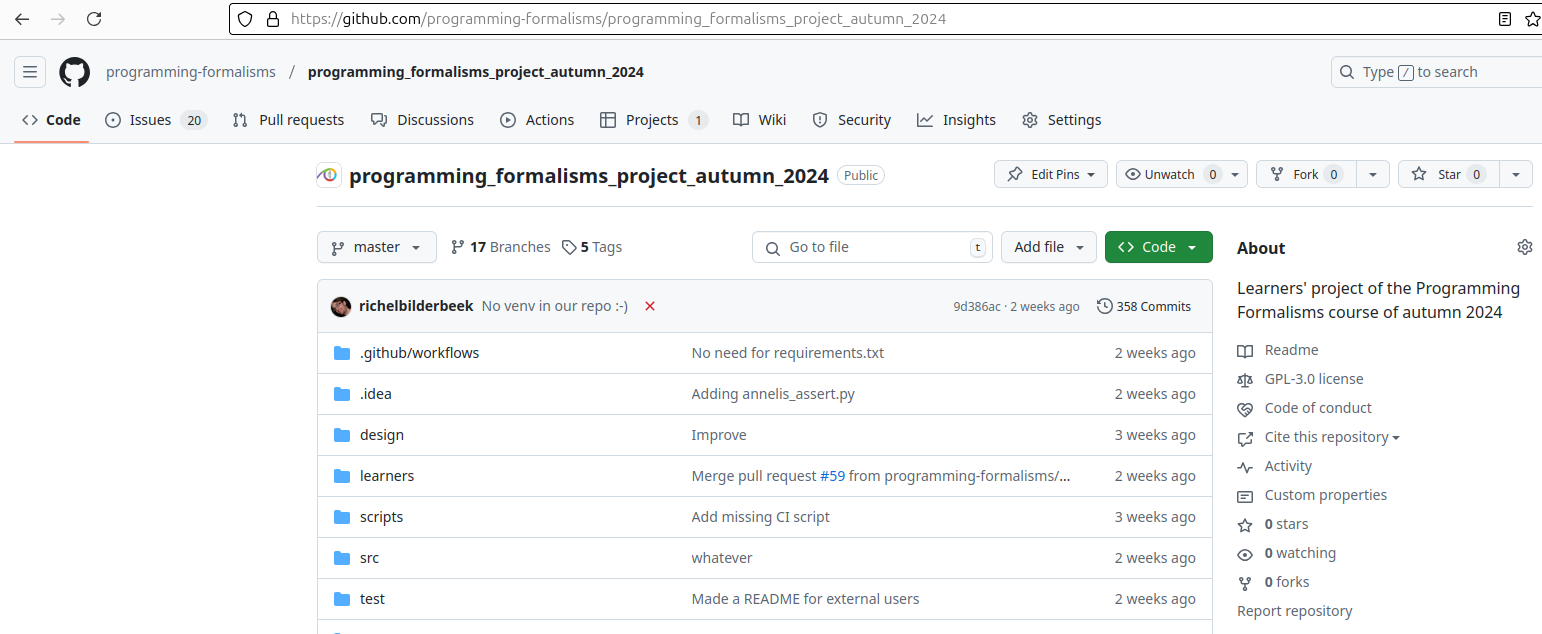
Watching all activity of the repository
The chance that you want to see all activity is low. Probably, you only want to be notified when you are mentioned in an issue.
To do so, click on the button with the eye and the text 'Unwatch'.
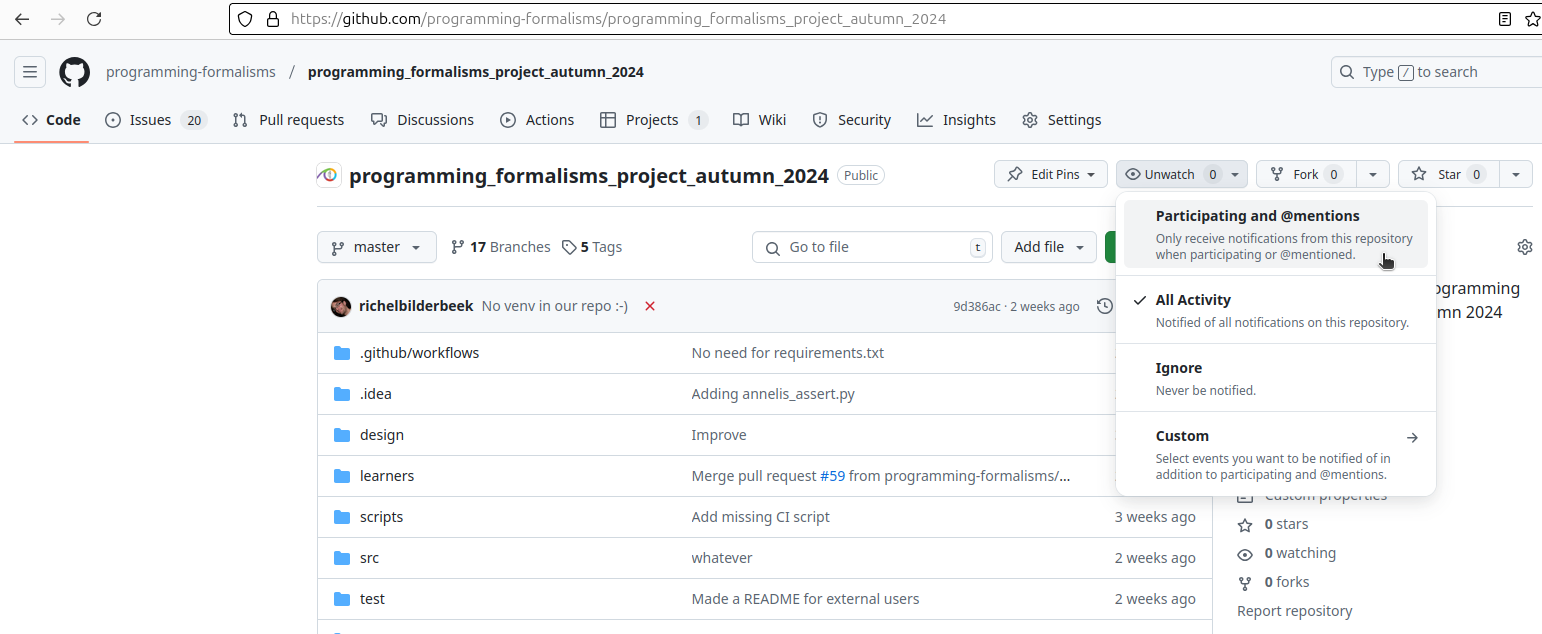
Change what you are watching
Click on 'Participating and mentions'.
Now, you are not watching all activity of the repository.
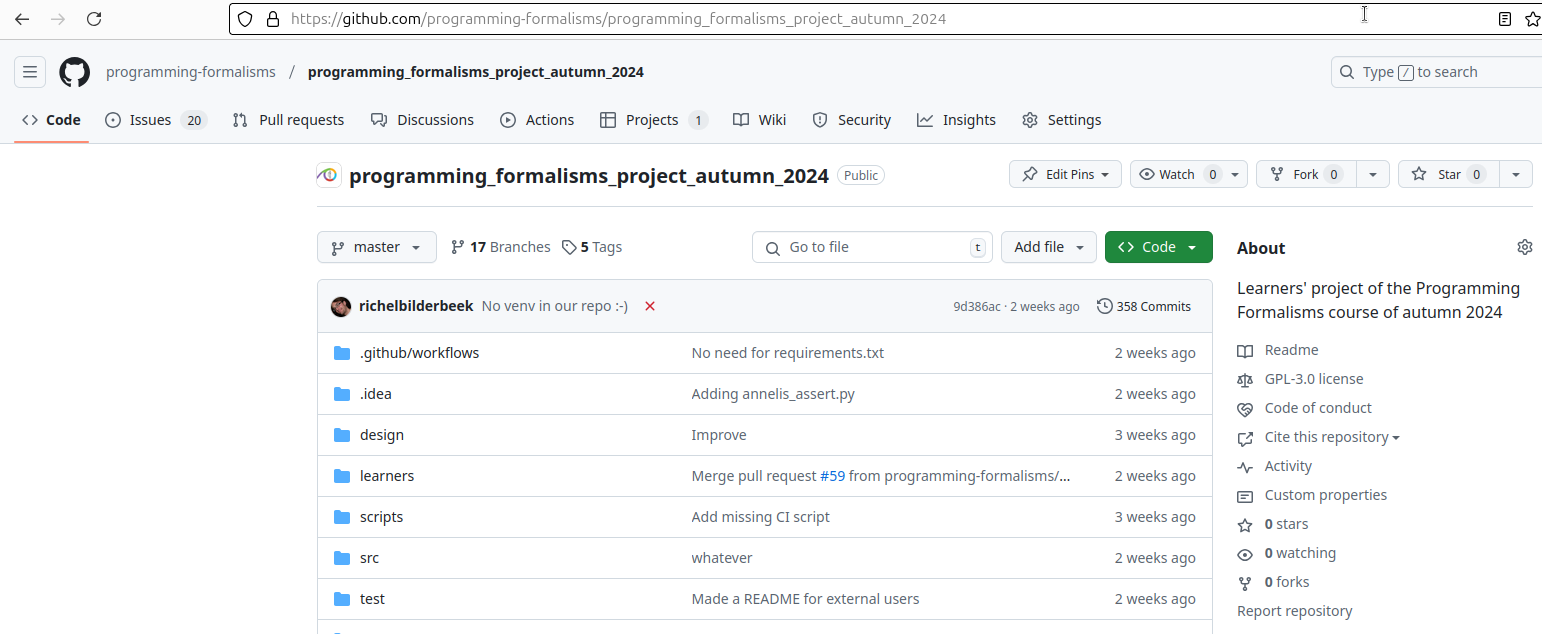
Not watching all activity of the repository
Exercises
Exercise 1: not watching all activity of the learners' repository
- Read the text above
- Change the watching to only respond to 'Participating and mentions'